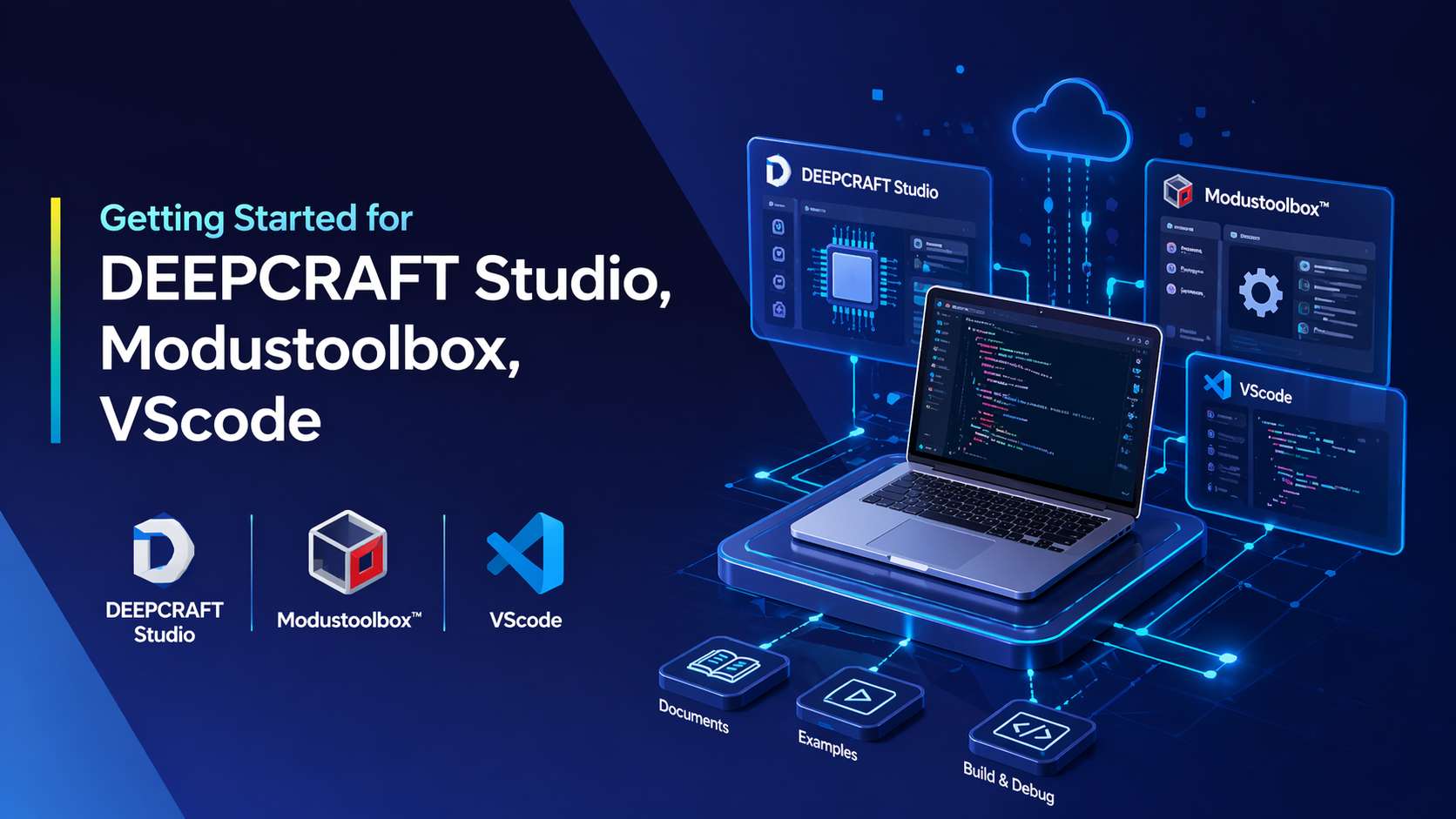
Getting Started for DEEPCRAFT Studio, Modustoolbox, VScode
TESAIn this lesson, you will get started with the essential development tools for building AIoT and Edge AI applications, including DEEPCRAFT Studio, ModusToolbox, and Visual Studio Code.
You will learn how to set up your development environment, install required software, and configure your system to support embedded AI development workflows.
Furthermore, you will explore how these tools work together—from AI model development in DEEPCRAFT Studio, firmware and hardware integration in ModusToolbox, to coding and debugging in VSCode.
By the end of this lesson, you will have a fully functional development environment and the confidence to start building, testing, and deploying AIoT applications on real hardware.
Course Benefits
1. Understand the role of each development tool in AIoT workflows
2. Learn how to install and configure DEEPCRAFT Studio, ModusToolbox, and VSCode
3. Set up a complete development environment for Edge AI projects
4. Learn how to integrate AI models with embedded firmware
5. Debug and test applications using professional tools
6. Prepare your system for real-world AIoT development
Courses Structure
Chapter 1: Environment Setup & Prerequisites for Secure Edge AI
Prerequisites & ModusToolbox™ Installation
VSCode & DEEPCRAFT™ Studio Integration
Configuring Secure Edge AI Features
End-to-End Deployment & Verification
Chapter 2: What are the DEEPCRAFT Studio, Modustoolbox, VSCODE
DEEPCRAFT Studio
ModusToolbox
Visual Studio Code
Chapter 3: Create your first project on DEEPCRAFT Studio
How to create first easiest project on DEEPCRAFT Studio
Learning Hours
12 Hours